Screens
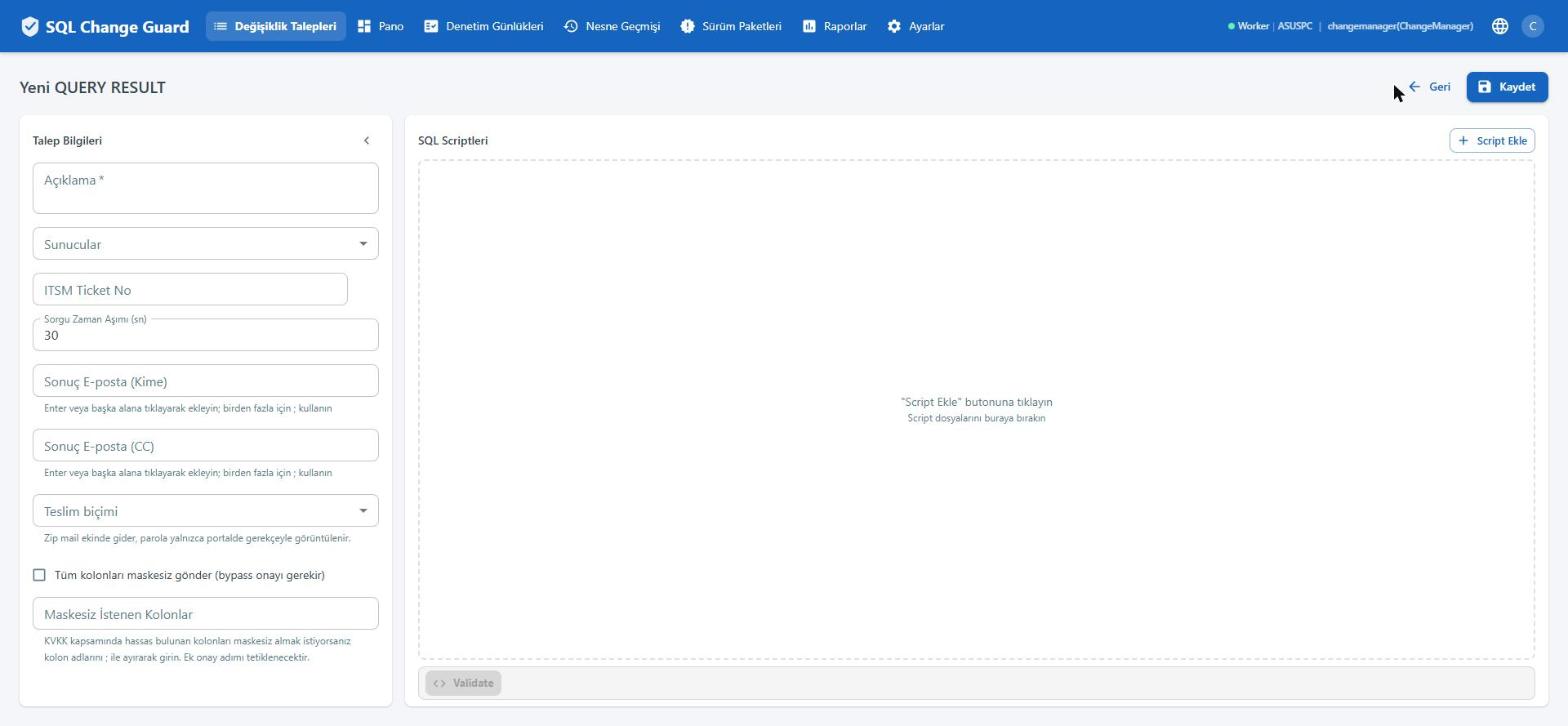
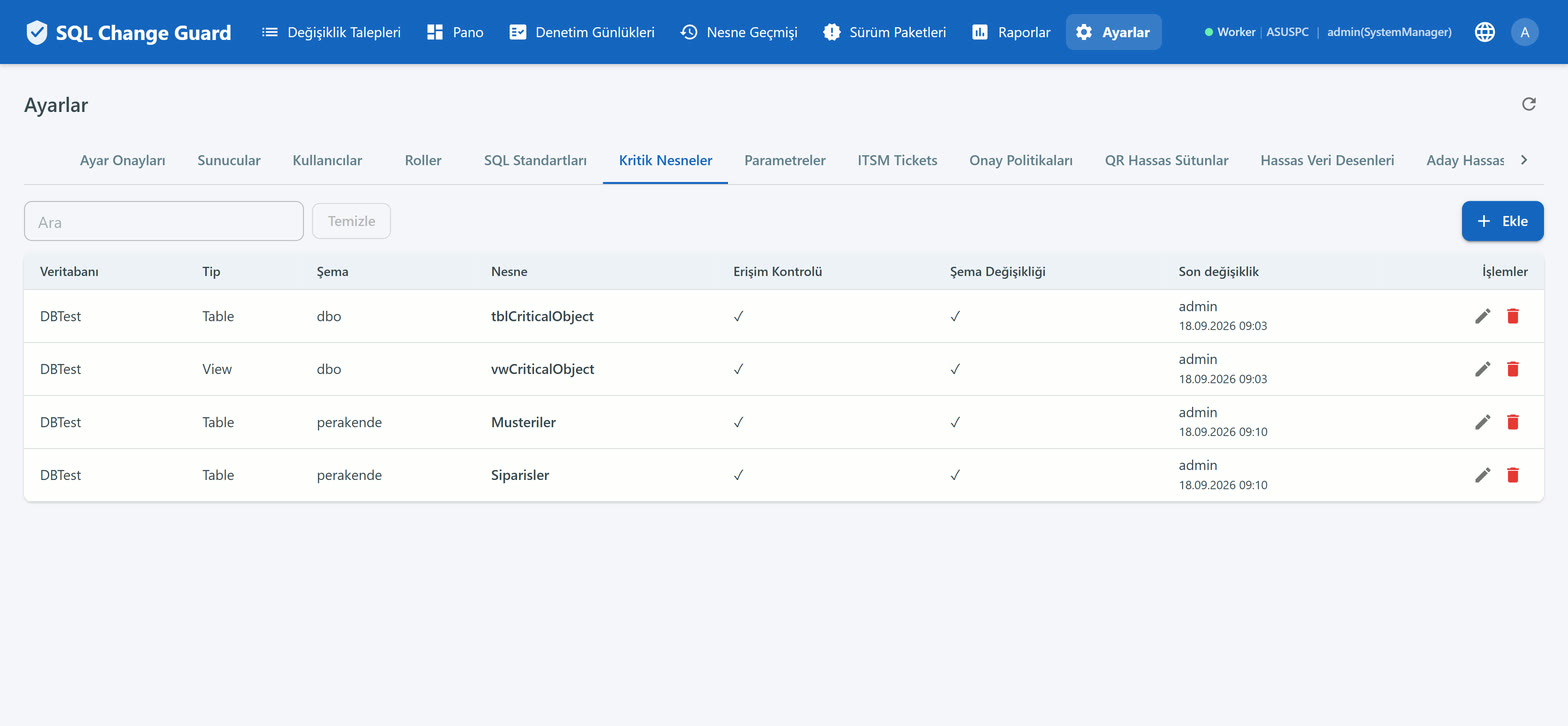
"Run this query and send me the result" exists in every organisation, and in most of them it is recorded nowhere. This flow turns it into a request, a decision and a piece of evidence.
Reading data from the live environment is a legitimate need: a customer complaint is investigated, the root cause of a bug is traced, a report is verified.
The problem is not the need but the way it is met. The query is passed on verbally, the result leaves as a file, and who saw which data is recorded nowhere. When the auditor asks who looked at production data last month, there is no answer.
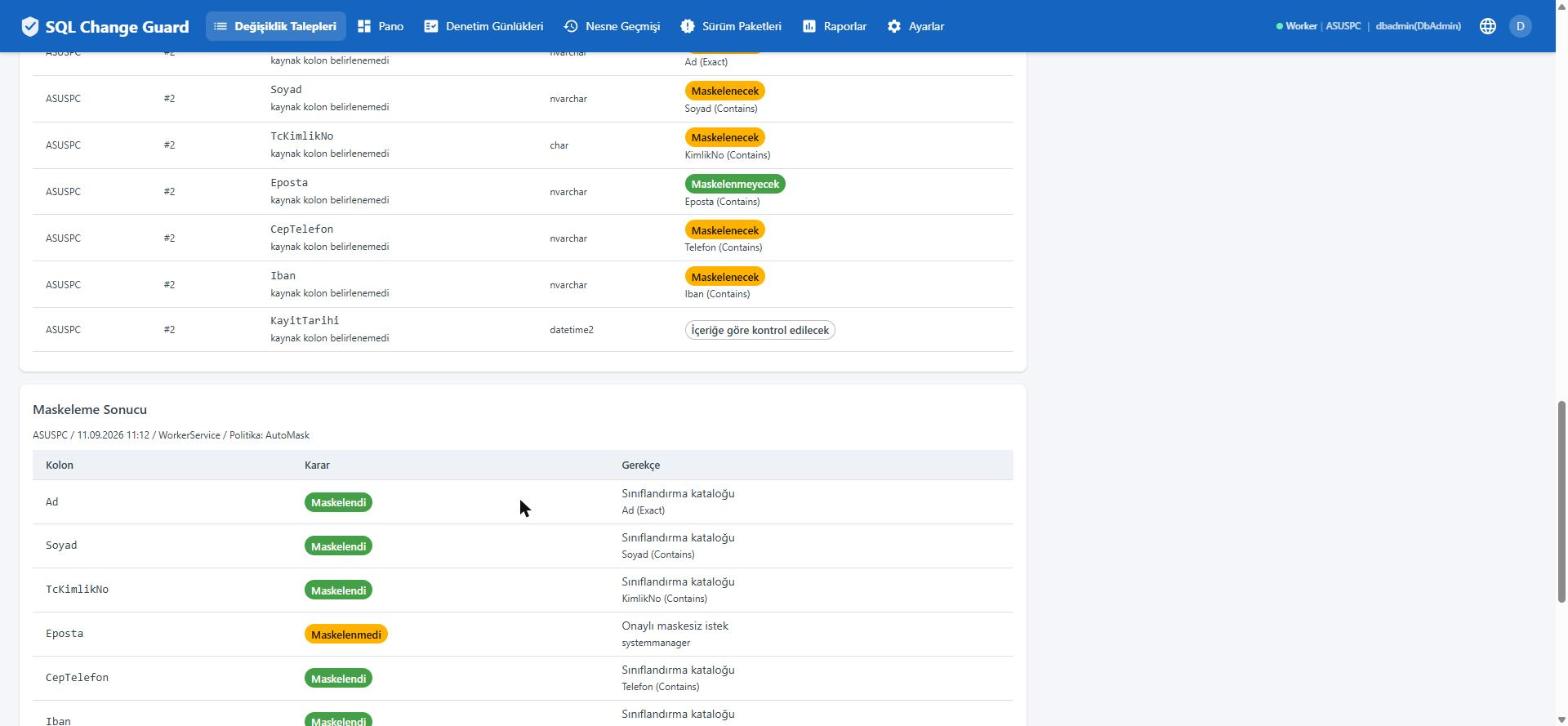
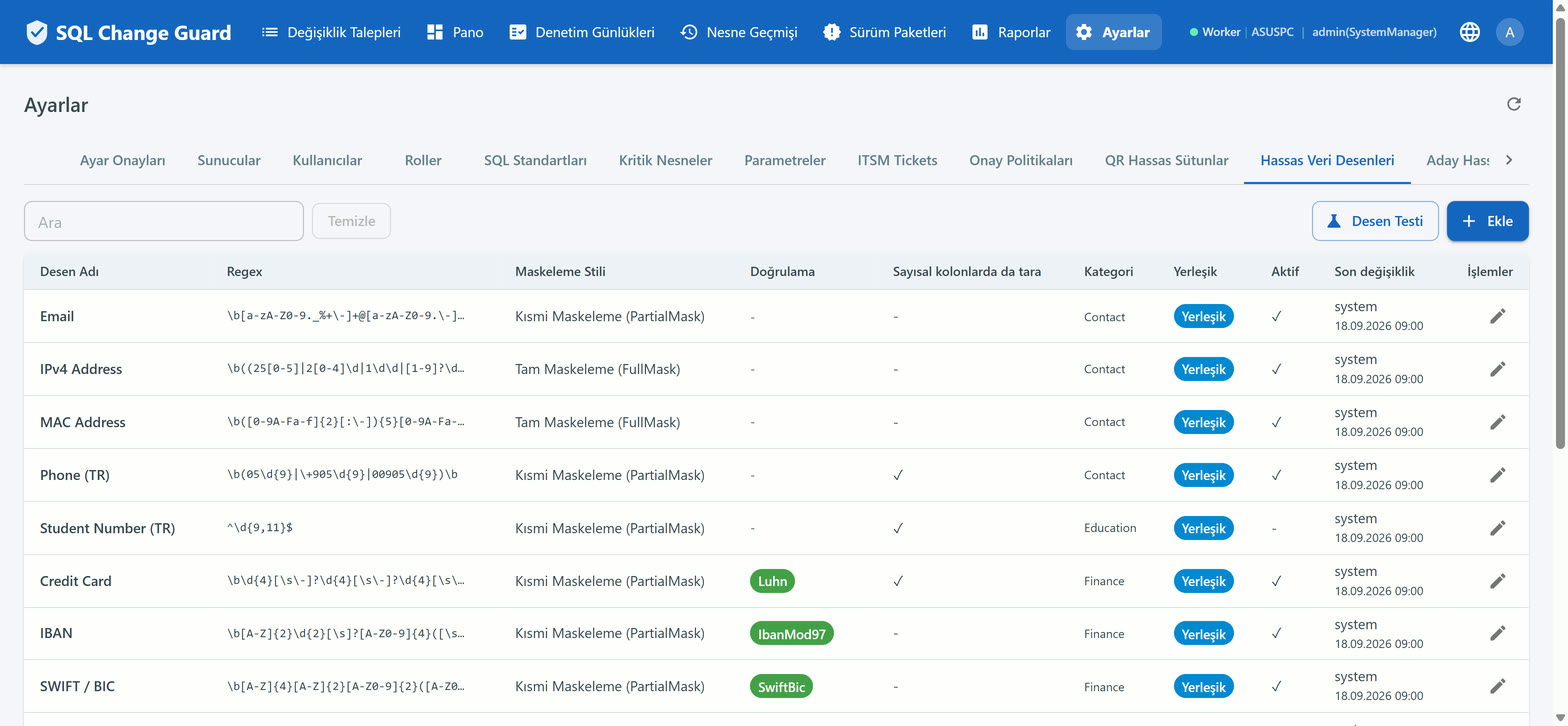
The first looks at the column name, the second at the value itself. Even when the column name looks innocent, content matching an identifier pattern is caught.
Not everything that matches a pattern is sensitive. Checksum algorithms run for national identifiers, card numbers and IBANs, so random digits are not masked by mistake.
A value can be hidden entirely, or the last few characters can be left visible. Partial masking is the middle ground: enough to recognise a record, not enough to carry the data.
An unmasked column is not forbidden, it is accounted for. Some investigations need the real value. The product does not block that; it asks for a justification, opens an extra approval step, and records which column went out unmasked and who approved it. Governance is not about banning access. It is about accounting for it.
The result is never rendered on screen; it is packaged as a password protected archive. The package password is stored encrypted and shown to the requester inside the application, with a reason recorded.
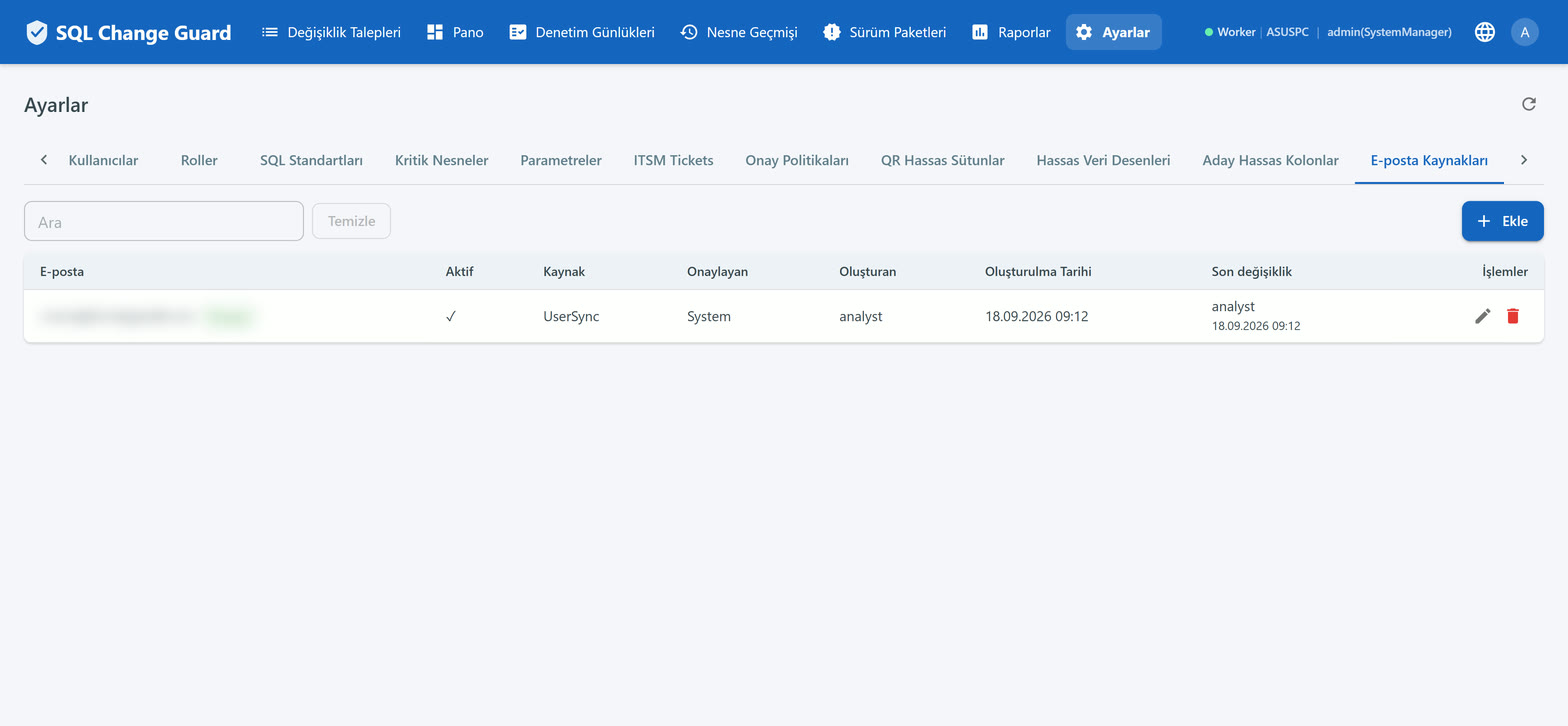
Delivery addresses can be checked. If an address has not been approved before, an extra approval step is added. The aim is to stop live data from quietly leaving for an external address.
The delivery mode is defined as an organisation wide ceiling. A request may only choose something stricter; loosening is rejected.
Which column was masked under which rule is kept as a separate record. Threshold and sampling settings are frozen at delivery time, so "what was the threshold that day" can be answered later.